One image in, a 3D model out — straight into Unity
Drop in an image or type a sentence and get a model you can actually use. Decimation, LODs, colliders, rigging and motions all happen in one window. Free; generation runs on your own API key.

Demo
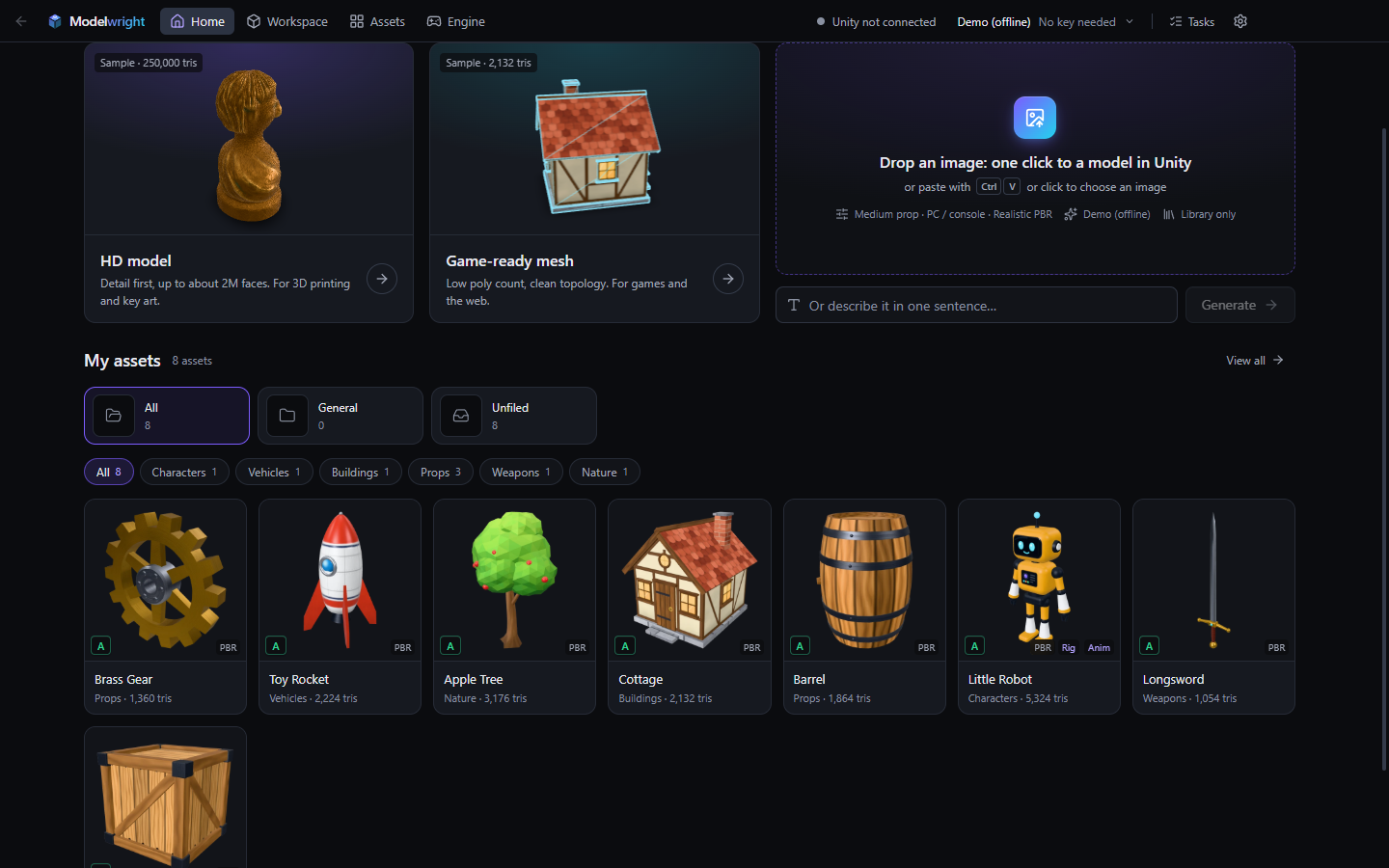
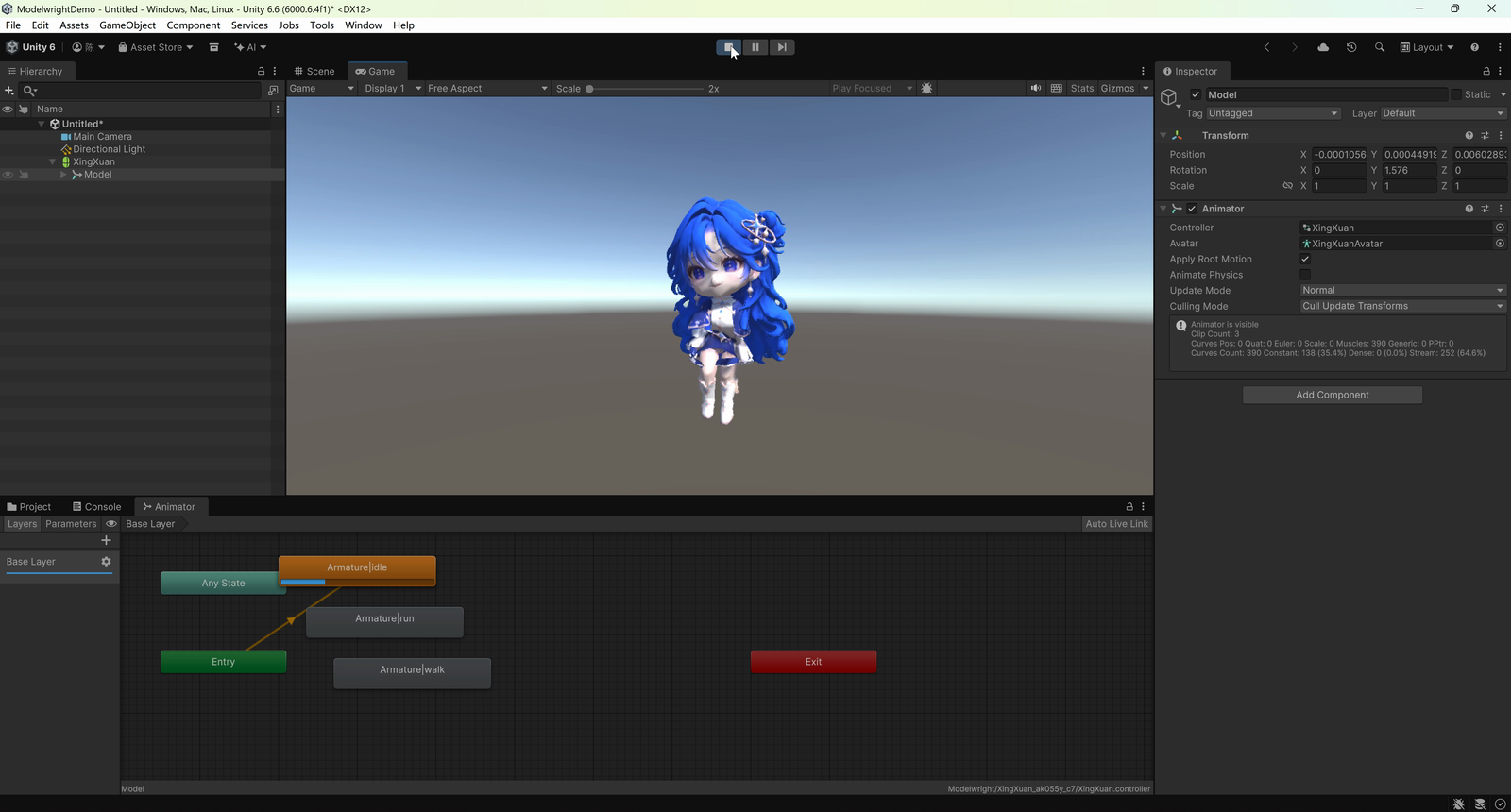
A character generated, rigged and animated in Modelwright, running in Unity 6.
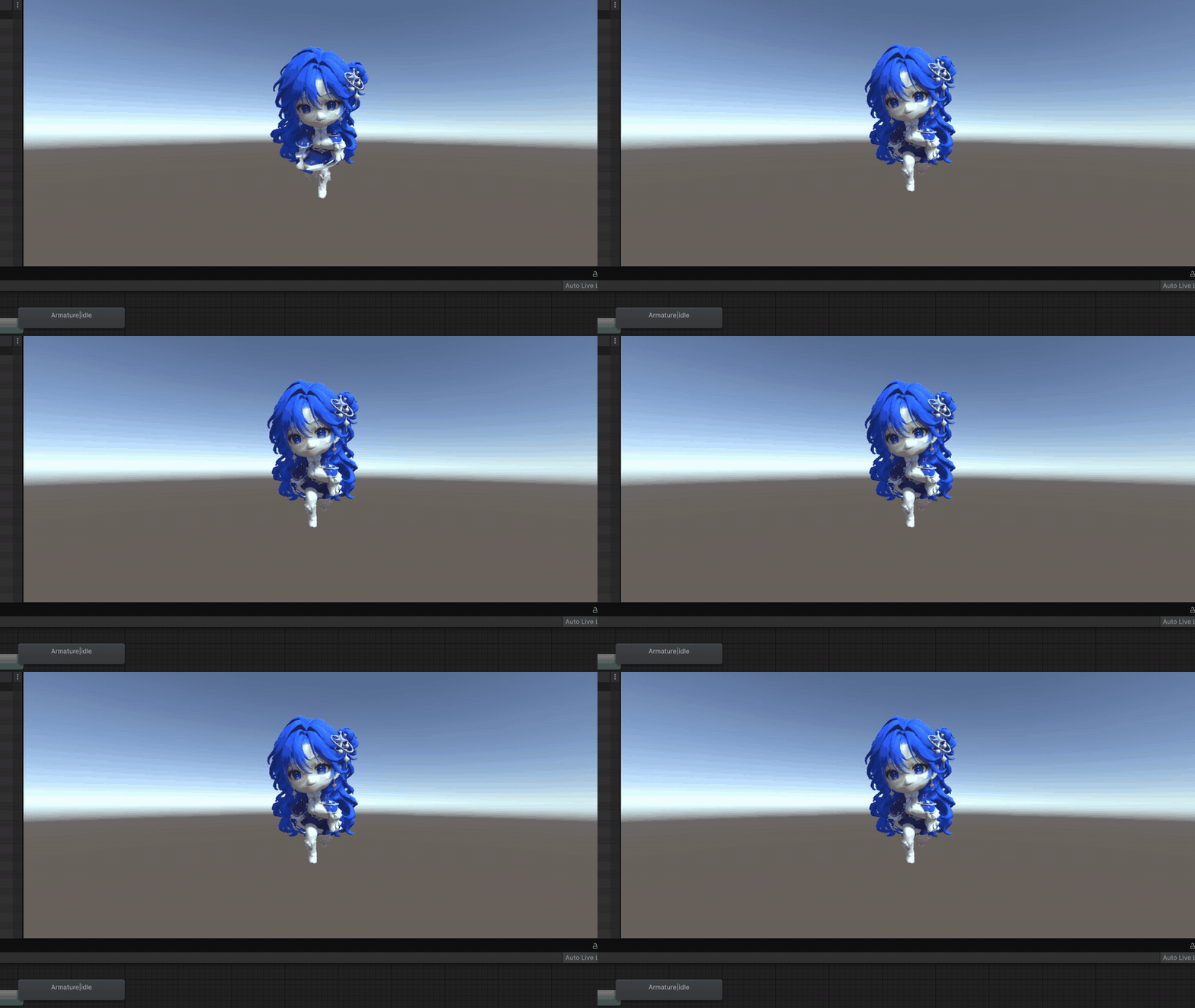
Two short videos on bilibili (Chinese captions, mostly screen recording): Episode 2 — rig, three motions, into Unity → · Episode 1 — a tiny sprite becomes a 3D character
What it does
A model fresh out of an AI generator is rarely ready to use. Modelwright strings together everything before and after the generation step.
Generate
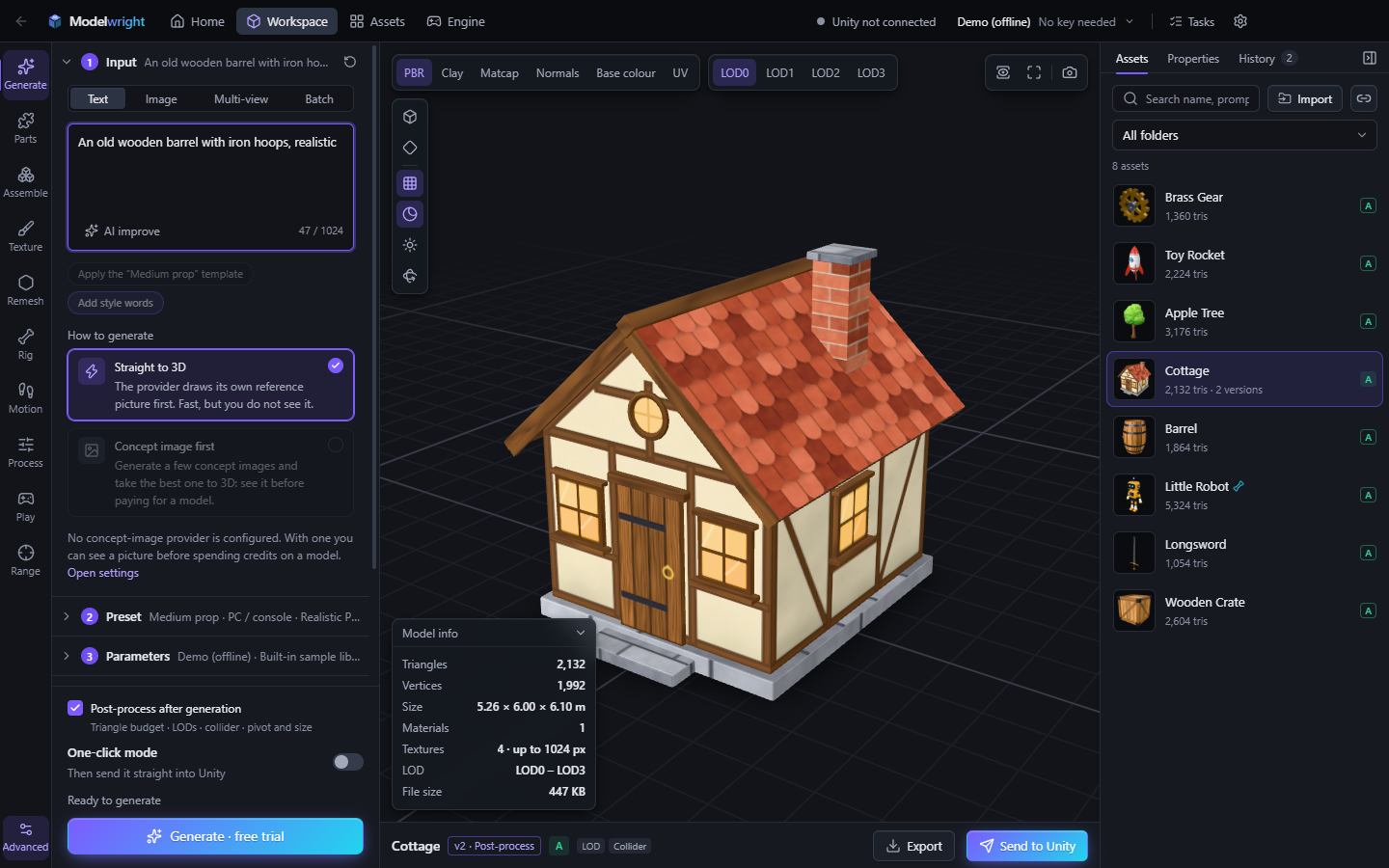
Image or text to 3D, through Tripo, Meshy or Tencent Hunyuan. Turnaround sheets with three or four views are split automatically, and a single front view can be turned into four views first.
Check before you pay
You see roughly how many credits a job will cost before it is submitted, and problems with the image or the settings are flagged up front. A request that costs credits is never sent twice on its own.
Local post-processing
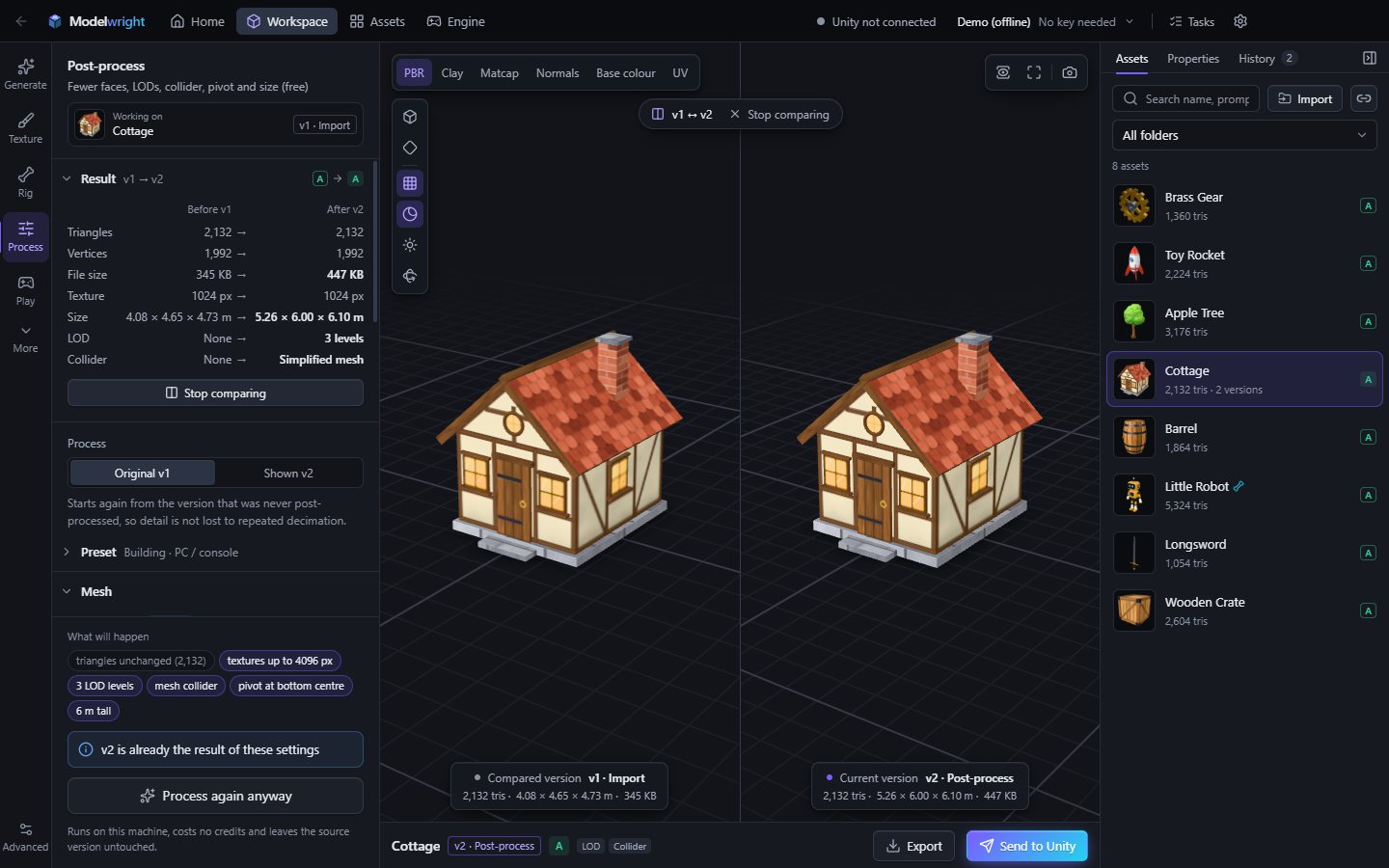
Decimation, LODs, colliders, pivot and size, done in one go from an “asset type × target platform” preset. Costs no credits.
Rigging and motions
Rig in the cloud; tune idle, walk, run and jump yourself in the Motion studio, or import Mixamo clips. Drive the character around in the Playground and the Range to see how it holds up.
Into Unity
With the plugin installed, one click builds the materials, the prefab (with LODs and colliders) and the Animator, and drops the model into the scene.
Asset library
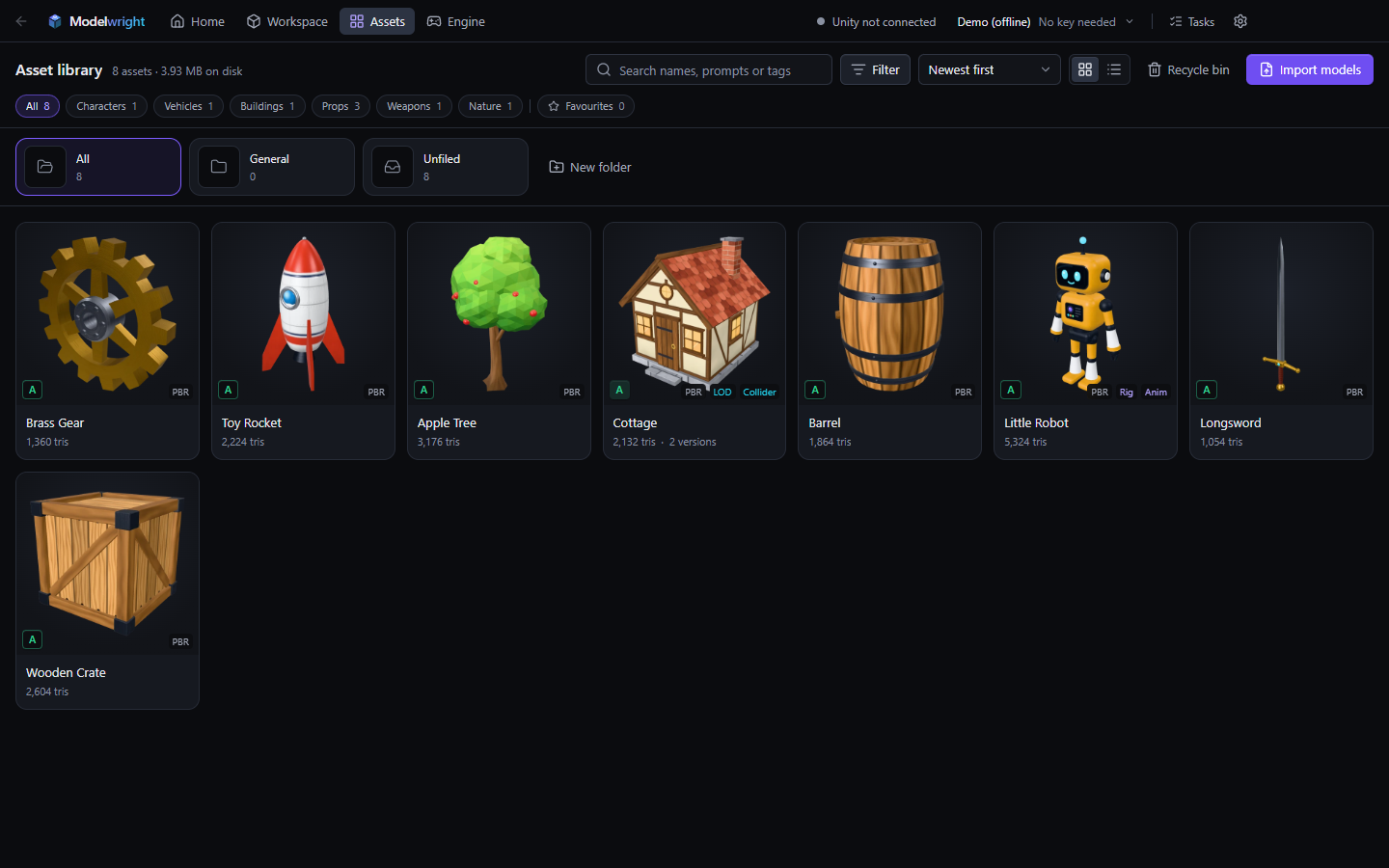
Version history, folders, search, a recycle bin, export to GLB / OBJ / STL / PLY. Batch jobs run in a queue and survive closing the app.
Screenshots
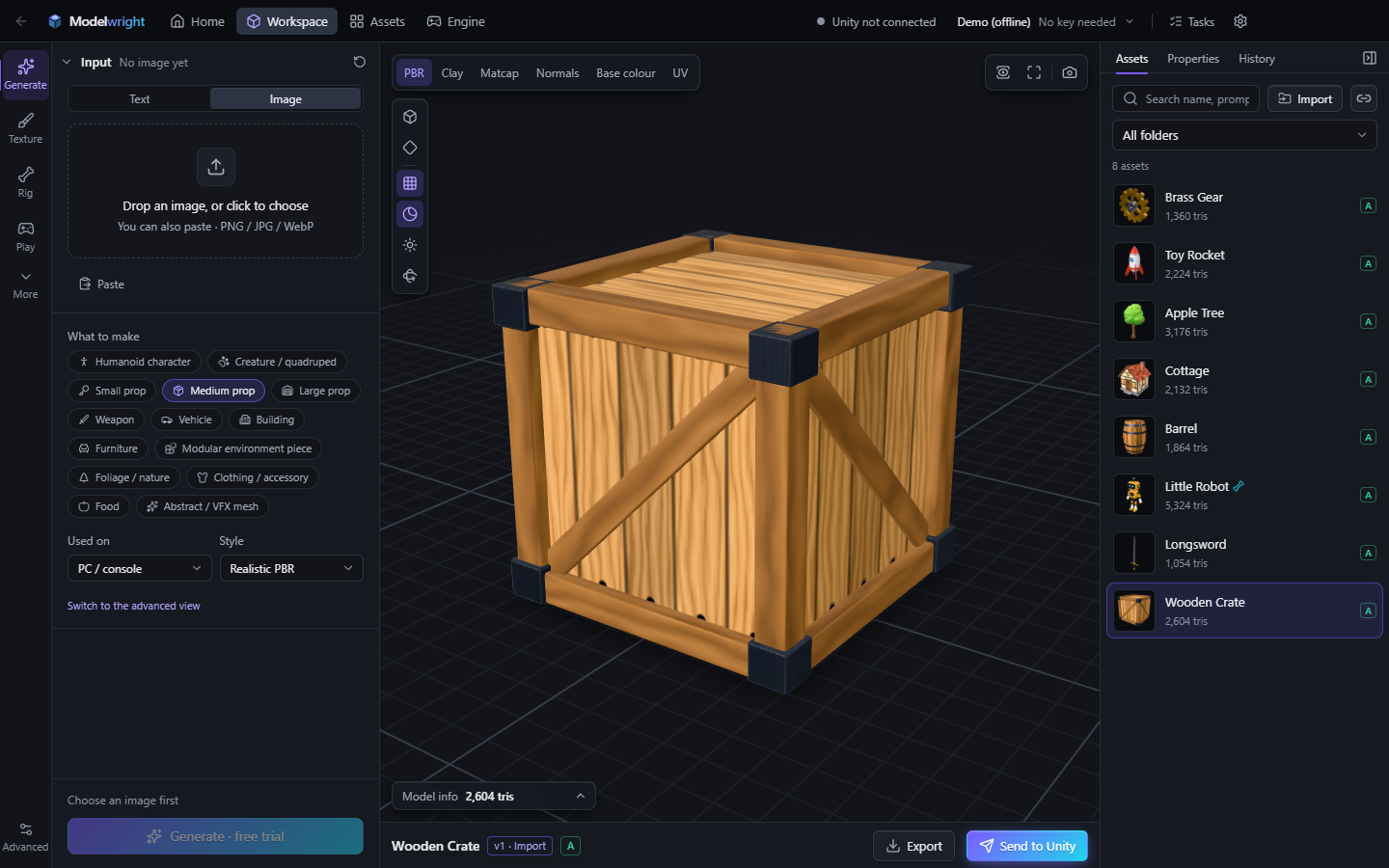
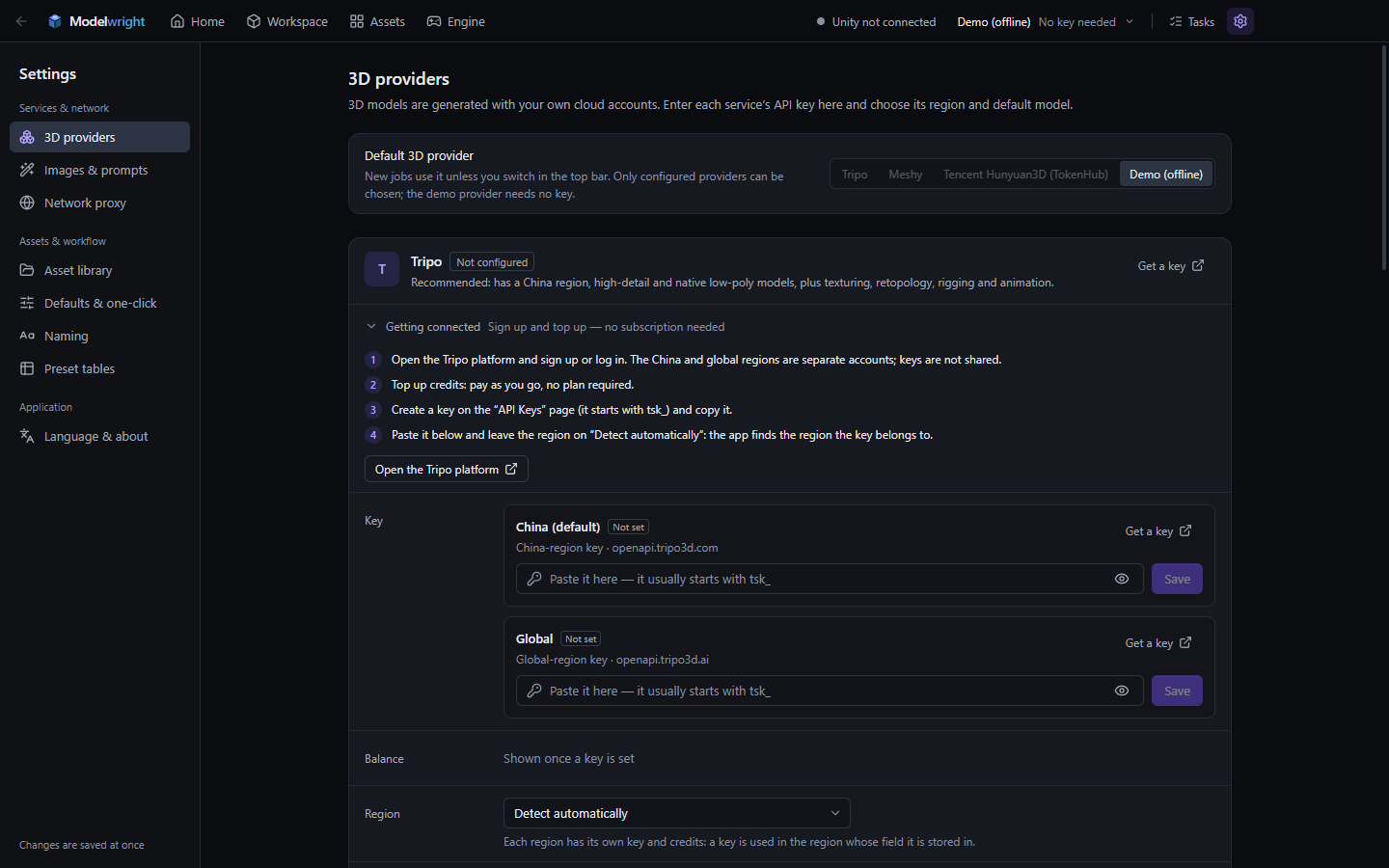
The app speaks Chinese, English and Japanese; the installer on this page starts it in English.
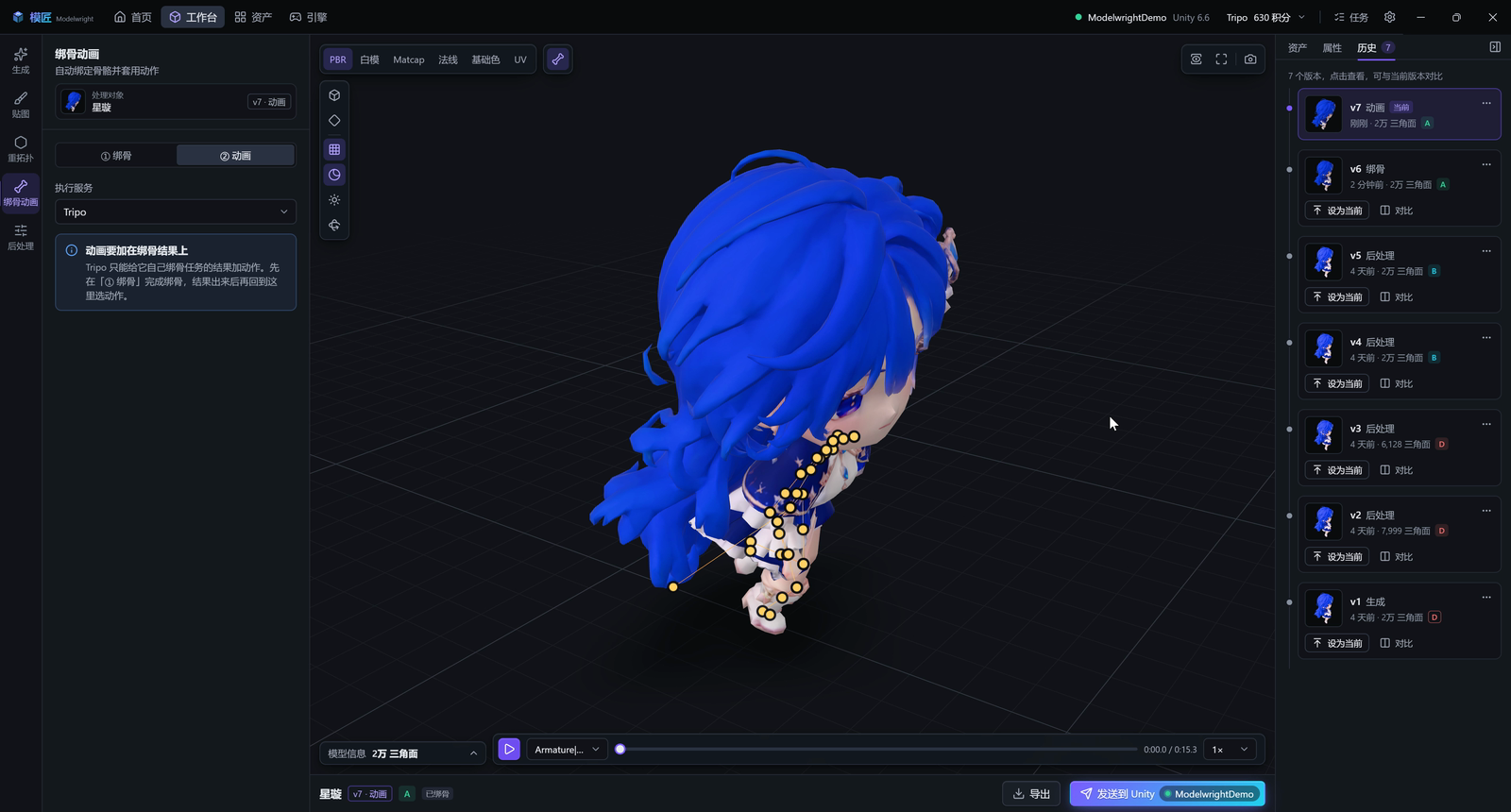
Get started
Three steps
- Install and open it, then pick a 3D provider in the welcome guide. Without a key, choose “Demo (offline)”: it returns built-in sample models, enough to learn the flow.
- On the Home page, drop an image in or type a description.
- The result shows up under Assets. Open it in the Workspace to inspect the mesh and textures, post-process, rig, or send it to Unity.
API keys
| Provider | Where to get a key |
|---|---|
| Tripo (recommended) | Global / China — separate accounts, each with its own field |
| Meshy | meshy.ai — needs a Pro subscription |
| Tencent Hunyuan 3D | TokenHub — enable the HY-3D models, then create a key in the Guangzhou region |
Keys stay on your own computer, encrypted by Windows. Modelwright has no server and collects nothing.
Connecting Unity
Works with Unity 2022.3, Unity 6 and Tuanjie, on Built-in, URP and HDRP.
- Add your project on the Engine page, click “Install plugin”, and from then on just hit “Send to Unity” on any asset.
- With the editor open the import happens right away: materials, prefab, LODs and colliders are built and the model is placed in the scene. A character with motions gets its Animator wired up — press Play and it moves.
- Sending works without the plugin too; the files simply land in
Assets/Modelwright/and Unity does its default import. - If the project has no glTF importer, you'll be asked whether to install glTFast (free, recommended).
Known issues
- Windows only, Unity only.
- Mostly tested on Unity 6. Unity 2022.3 and Tuanjie have seen far less testing — please open an issue if something breaks.
- Cloud motion files from Tencent Hunyuan come out with torn skinning in Unity; the files themselves are at fault. For a character rigged by Hunyuan, add motions with “Complete base motions (local)” in the Motion studio instead.
- Motion studio clips are procedural, not mocap. Fine for prototypes and play tests; import Mixamo clips when you want something more natural.
- No cloth simulation for skirts or hair, so a skirt may clip through the legs when running.
- Rigged models can't be decimated or given LODs locally.
What changed in each version is in the changelog.